
What is co-presenting?
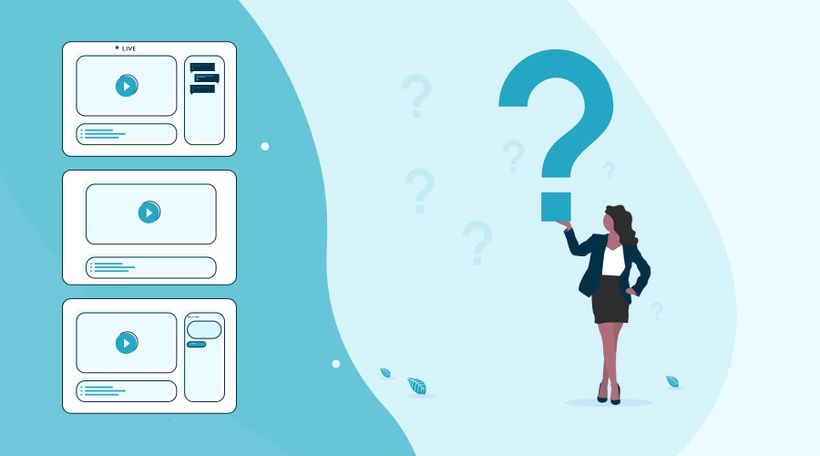
LEARNING GOAL: You will learn what co-presenting is and who you choose to co-present a webinar with.
The word says it all: co-presenting is not something you do on your own. You give a webinar together with one to three other people. During the webinar with co-presenters, the main presenter alternates who will be on screen and audible. All presenters can be heard, but only one presenter at a time is visible on screen. The main presenter is the director and decides who is visible. Co-presenters have the same control over the options as the main presenter.
Add more than three co-presenters
A new feature allows you to host a webinar with more than 3 co-presenters! And it doesn't stop there, you can also be on screen at the same time. The feature comes with an "active speaker" function. The main presenter no longer has to worry about who is visible on screen while he or she is speaking. The active speaker feature takes care of it automatically. Of course, you can turn off the option to still switch between presenters manually.
Choosing a co-presenter
We don't doubt that you know a lot about the topic of your webinar, but nobody knows everything! Sometimes you want to let someone with more knowledge of a topic do the talking. A good reason to invite a suitable co-presenter. When your viewers hear more information from someone who has a good reputation, it reinforces interest and trust.
You don't have to choose a co-presenter based on additional knowledge alone; a shared or overlapping target audience is also a good motivation to invite a speaker. Engage in collaboration! Your webinar will be promoted on multiple channels and gain even more visibility. Make use of each other's knowledge and target audience, and let the leads flow in.
Viewer experience
Hosting a webinar with co-presenters can be tense. We understand that you are curious about the viewer's experience. There are several options to view their experience. You click in your test webinar > view as attendee. You will experience the same as the viewer in this environment.
Curious about what the live environment looks like? Then click here!
Next courses
Alles, was du über Webinar-User wissen musst
Arbeite mit deinem Team zusammen und stelle sicher, dass jeder die richtige Rolle in deinem Webinar hat!

Ein Webinar von A bis Z moderieren
Füge Moderatoren hinzu und verwalte den Live-Chat mit unserer Schritt-für-Schritt-Anleitung.
Mit WebinarGeek starten
Starte noch heute mit dem Hosting von Webinaren mit diesen Schritt-für-Schritt-Checklisten. 🚀

Erstelle dein erstes Webinar: Ein Leitfaden für Einsteiger
Bereit für dein erstes Webinar? Schau dir unsere Videoserie „Ein Leitfaden für Einsteiger“ an – wir zeigen dir alles: von der Zielsetzung bis zur Themenwahl. Erfahre, wie du mit den Tools von WebinarGeek den Ablauf optimierst.

Verbessere dein Audio mit OBS – Teil 2
Optimiere den Klang deines Webinars mit OBS-Filtern! In Teil 2 erkundest du fortgeschrittene Effekte wie Kompressor, Expander, Limiter, EQ und mehr für herausragende Audioqualität. Schau jetzt rein und hebe deine Webinare auf das nächste Level!

Erstelle einen Content-Kalender mit Intercom
Intercoms Transformation von keinem Content-Kalender zu einer vollständigen Strategie und einem durchdachten Content-Kalender.

Verbessere deine Webinar-Skills
Verbessere deine Webinar-Skills, generiere mehr Leads und steigere deinen Umsatz.

Skaliere deinen Lead-Generierungs-Funnel mit WebinarGeek
WebinarGeek teilt seine Expertise zur Nutzung der Kraft von Webinaren für die Lead-Generierung.
Zeitsparende Funktionen
Entdecke alle praktischen Automatisierungen und Abkürzungen.

Verbessere dein Audio mit OBS – Teil 1
Steigere die Klangqualität deines Webinars mit OBS! Teil 1 unseres Leitfadens zeigt dir, wie du dein Mikrofon optimierst, Hintergrundgeräusche reduzierst und effektive Filter anwendest.