
Product Update: New Calls to Action, Restreaming and more

Caroline
01 juin 2026 - 3 min
This month’s updates are all about helping you turn webinar engagement into action. We’ve improved Calls to Action, added more ways to track conversions, made speaker notes easier to manage, and introduced restreaming so you can reach your audience on more platforms.
Here’s what’s new.
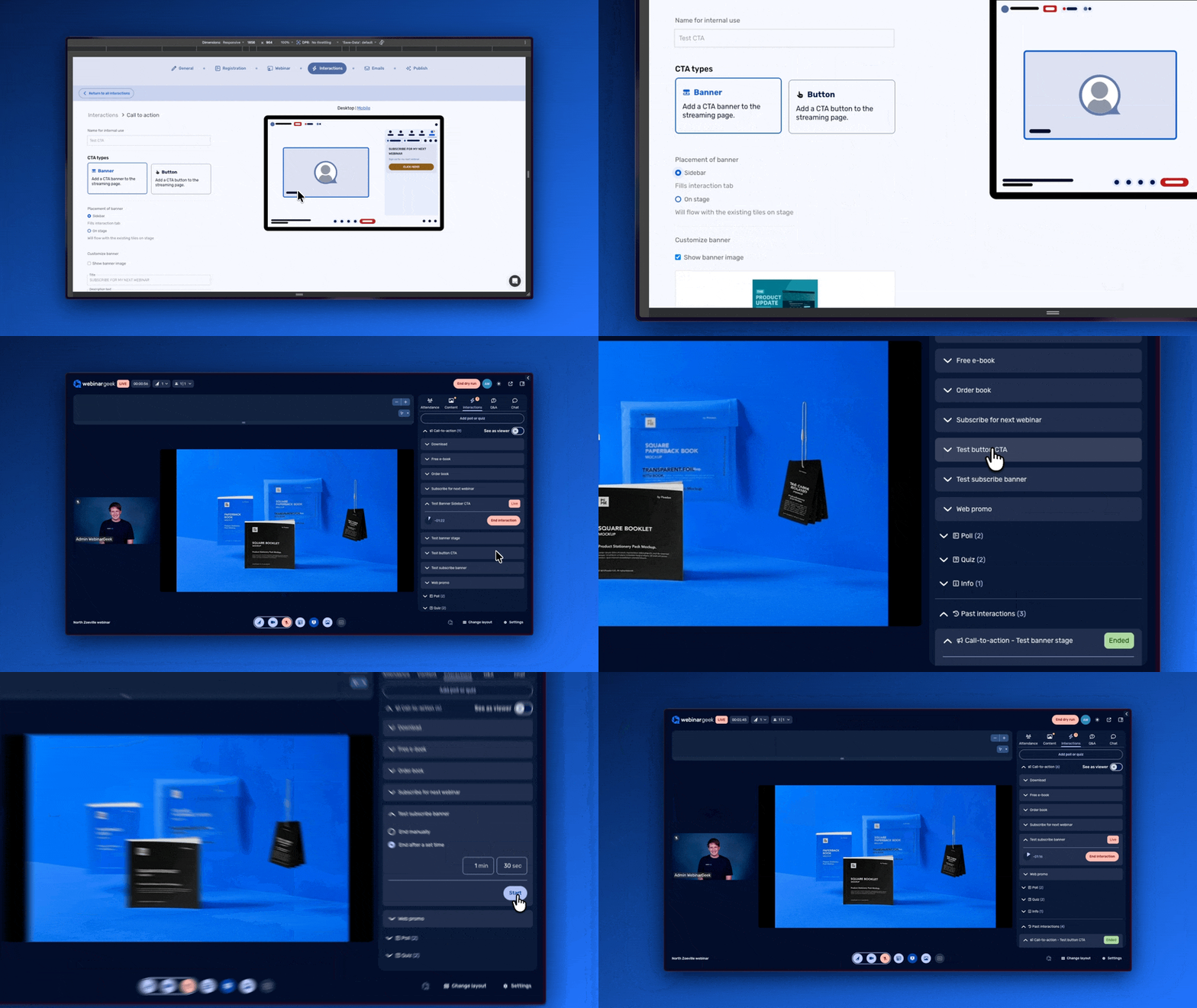
A new version of Calls to Action
We’re rolling out a new version of Calls to Action with more layout options and more branding options. This gives you more control over how your CTA appears during your webinar, so you can better guide viewers toward the next step.
Your CTA now feels more aligned with your webinar and brand, no matter if you want people to book a call, sign up for another session, visit a page, or make a purchase.
Benefits:
Match your CTA more closely to your brand
Guide viewers toward the next step during your webinar
Improve the way you promote offers, pages, appointments, or sales
Track external conversions from your website
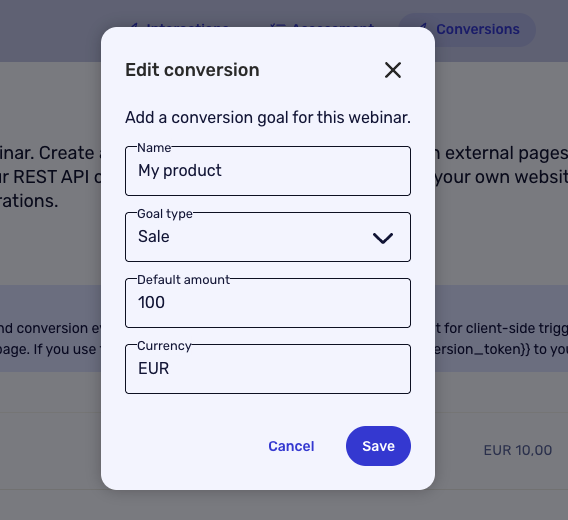
You can now track external conversions that happen on your own website, such as appointments, purchases, or other important actions. These conversions can be sent back into WebinarGeek.
This makes it easier to understand what happens after someone joins your webinar. You can also use this conversion data to segment your audience in integrations and emails, so your follow-up becomes more relevant.
Benefits:
Track important actions that happen outside WebinarGeek
Segment your audience based on external conversions
Create more relevant follow-up emails and integration workflows
Edit speaker notes during your webinar
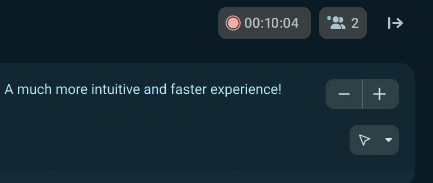
You can now edit your speaker notes for slides during your webinar. This makes it much easier to adjust your notes while presenting, instead of having to prepare every change beforehand.
It’s a small improvement that can make a big difference during live sessions. You can update reminders, add talking points, or make quick changes when needed.
Benefits:
Make last-minute changes more easily
Keep your talking points up-to-date during the session
Give presenters more flexibility while presenting
Restream your webinar to multiple platforms
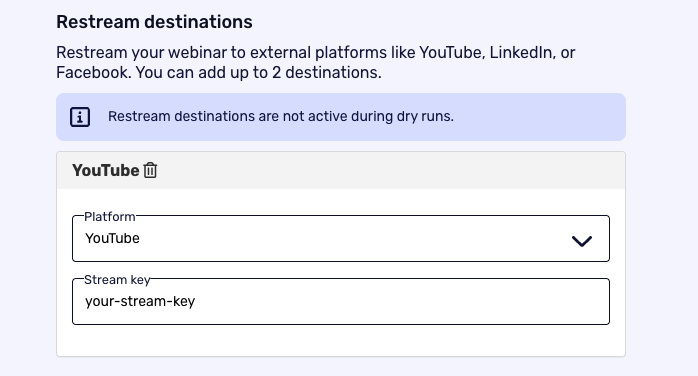
You can now restream your webinars live to other platforms, including YouTube, Facebook, LinkedIn, or custom destinations. This can be managed directly from your webinar settings.
This helps you reach more people without having to manage separate streams manually. You can run your webinar in WebinarGeek and share it with audiences on the platforms where they already spend time.
Benefits:
Stream your webinar to multiple platforms at the same time
Reach audiences on YouTube, Facebook, LinkedIn, or custom destinations
Increase your webinar visibility without extra manual setup
Want to see these updates in action?
Join our next Product Update webinar on June 17. We’ll walk you through these new features, show you how they work, and share a sneak peek of what’s coming next.
Product Update Webinar on June 17 @ 2 PM
Save my seat