
Product updates
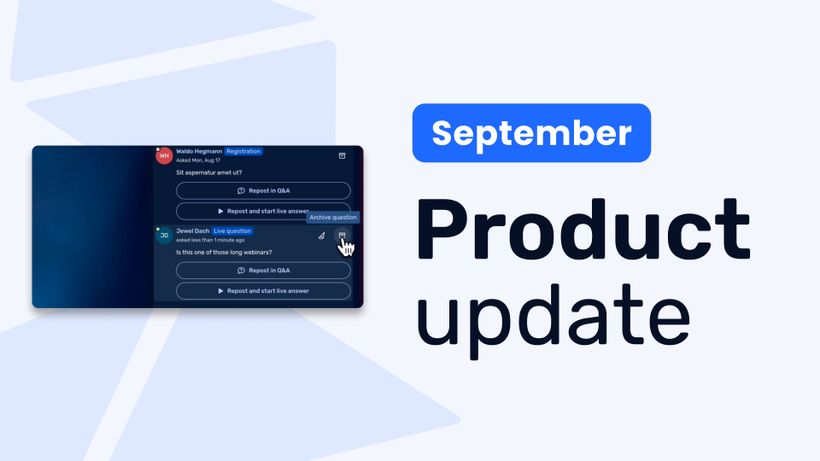
Product update: Recurring webinar subscribers, Q&A moderation, AI Assistant and Calls to Action
Discover WebinarGeek's latest updates: subscribe contacts to recurring webinar dates, moderate Q&A before questions go public, use the AI assistant on on-demand webinars, and add calls to action while you're live.
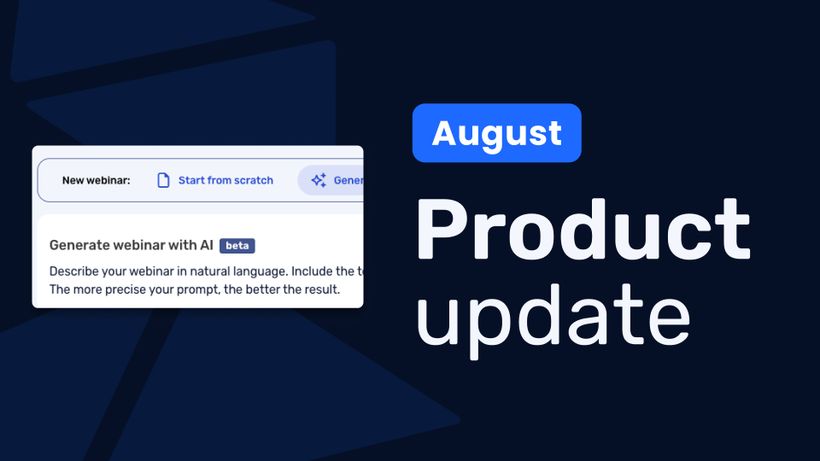
Product update: AI webinar creation, Q&A filtering and UTM tracking
Discover WebinarGeek's latest updates: build a webinar from a text description, filter pre-submitted Q&A, redirect your registration page, use exact brand colors, and track campaigns with UTM tags.
Product update: Channels, polls and AI Assistant improvements
Discover the latest WebinarGeek updates, including improved Channels, open-ended poll answers, easier registration embeds and AI Assistant upgrades.
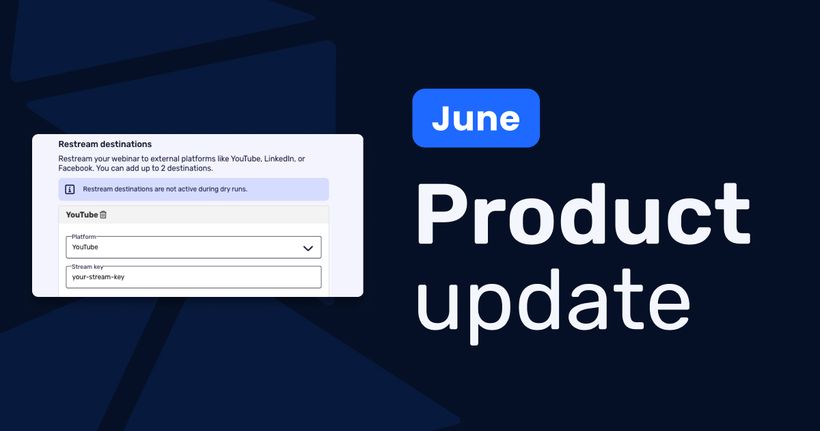
Product Update: New Calls to Action, Restreaming and more
Discover WebinarGeek’s latest product updates, including improved Calls to Action, external conversion tracking, editable speaker notes, and webinar restreaming.
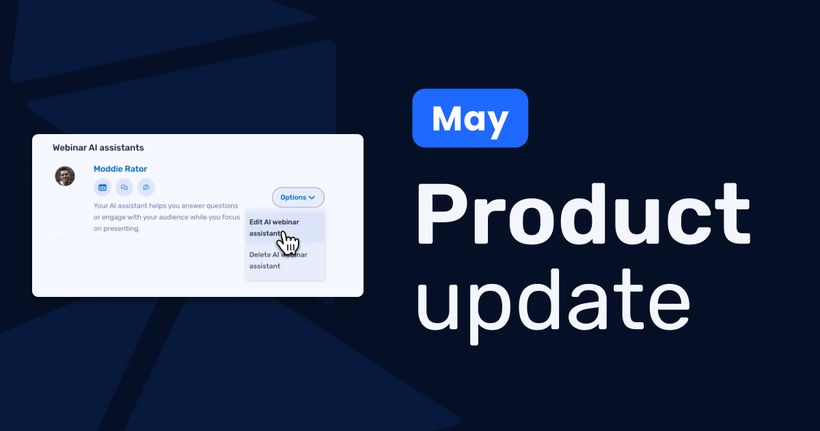
Product Update: AI Assistant, live slide upload, automated webinar time range and more
Discover the latest WebinarGeek updates, including the AI Assistant, downloadable files in calls to action, live slide uploads and time ranges for automated webinars.
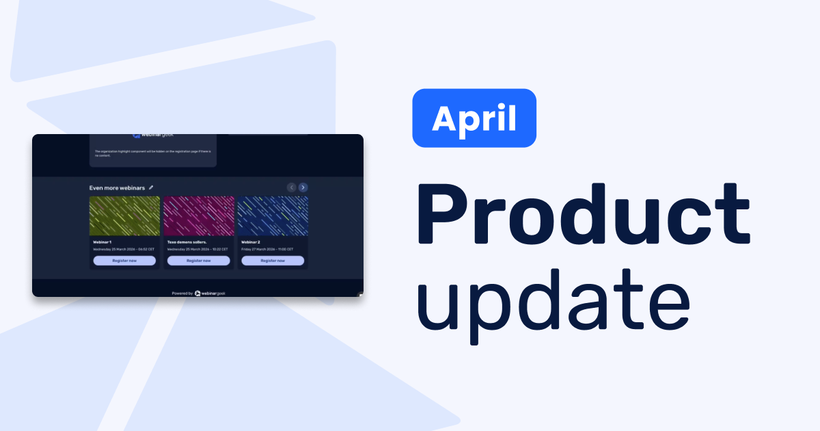
Product Update: Channels, audio notifications, captions and more
Discover WebinarGeek’s April product updates, including connected channels and registration pages, team reminder emails, audio notifications, scheduled Q&A, and captions.
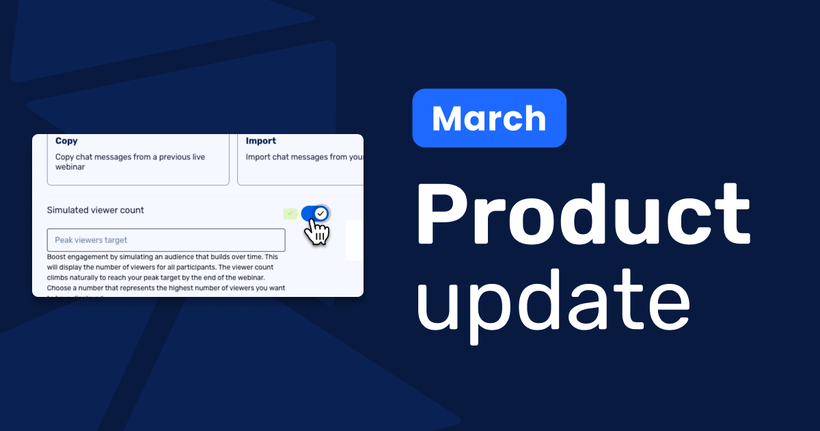
Product Update: new languages, blind copies, and HubSpot tracking
Discover the latest WebinarGeek product updates, including mandatory evaluation form questions, blind copies for reminder and follow-up emails, Turkish and Slovak language support, HubSpot tracking integration, and a simulated viewer counter for automated webinars.
Product Update: A fresh look, smarter controls, and more flexibility behind the scenes
Discover the latest WebinarGeek product updates, from a refreshed brand and customizable channel buttons to presenter avatars, branding profiles, and new data lifecycle controls.
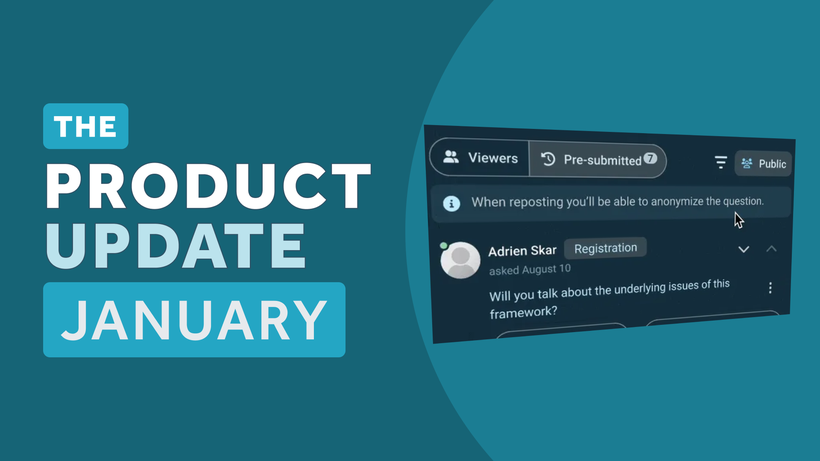
Product Update: pre-submitted Q&A, AI recommendations, registration updates, and more
January’s product update helps you run more personal webinars at scale, with pre-submitted Q&A from registration, AI suggestions for webinar titles and descriptions, improved registration pages, and one-click screen share resume.
Product update: smarter email filters, seamless registration embeds, and more
Discover new updates that help you send targeted emails, create cleaner registration pages, and run smoother test webinars. Learn how these improvements save time and improve your webinar results.
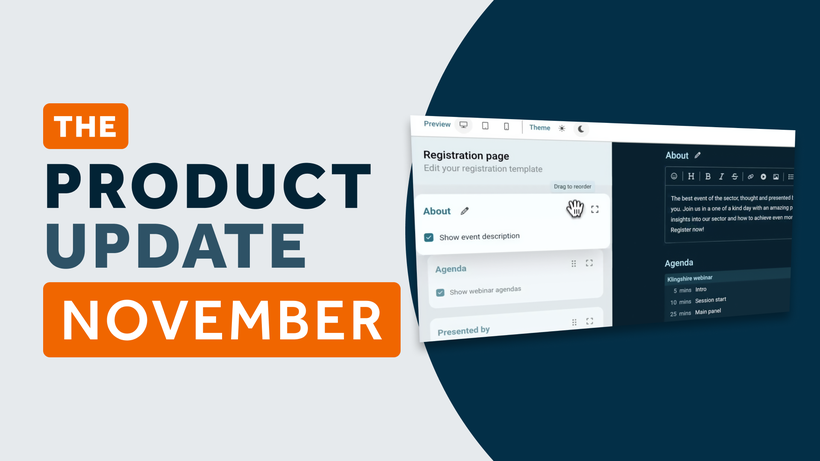
Product Update: Pin Presenters, Create Interactions Live, and More
These are the latest WebinarGeek features including live polls and quizzes, HubSpot list integration, and presenter pinning. Save time and create more engaging webinars.
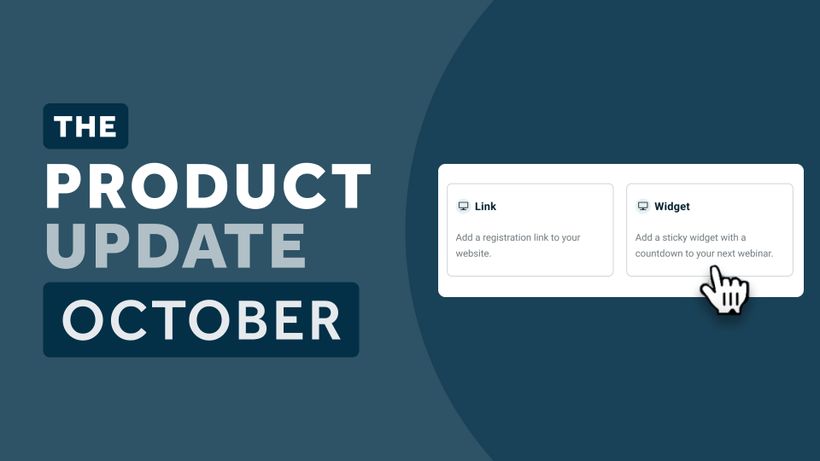
Product Update: Smarter Sharing, AI Controls, and More
What’s new in WebinarGeek this month: viewer sharing, improved registration pages, smart email triggers, and full control over AI features. Read the full update.
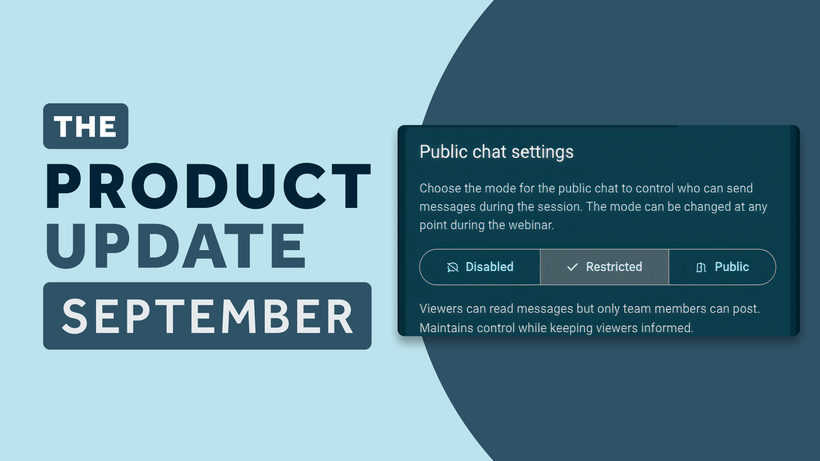
Product Update: Restricted Chat, Channel Updates, and More
The latest WebinarGeek product updates: restricted public chat, customizable on-demand channels, smarter localization, and more. Learn how these features help you host smoother, smarter webinars.
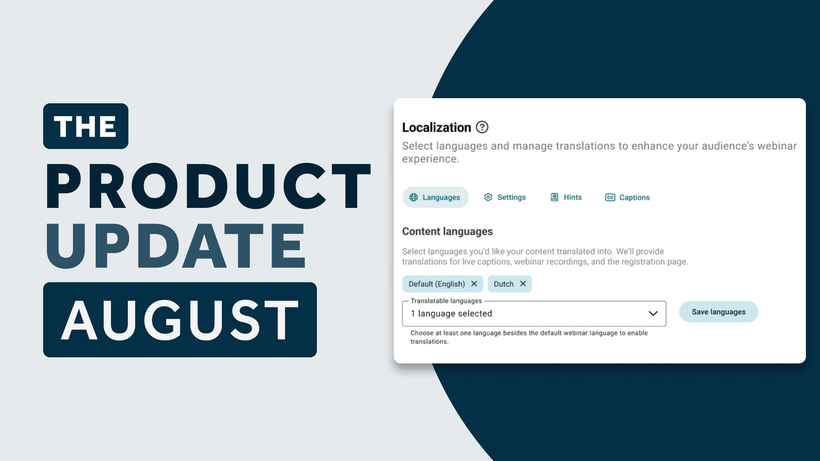
Product Update: localization, new scheduling options, and more
Read about the latest WebinarGeek features, including live caption translation, monthly scheduling, and new email and registration page options.
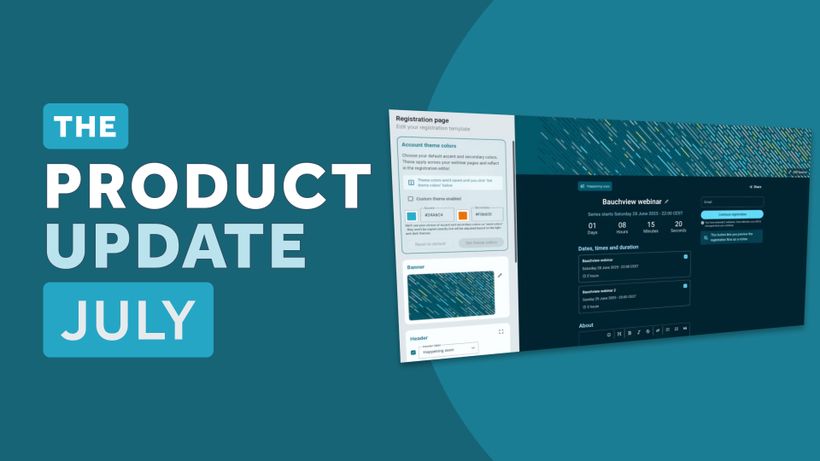
Product update: Smarter email filters and more
All the latest WebinarGeek features released in July 2025, including a new registration page layout, smarter email filters, streamlined presentation controls, and advanced automation triggers.
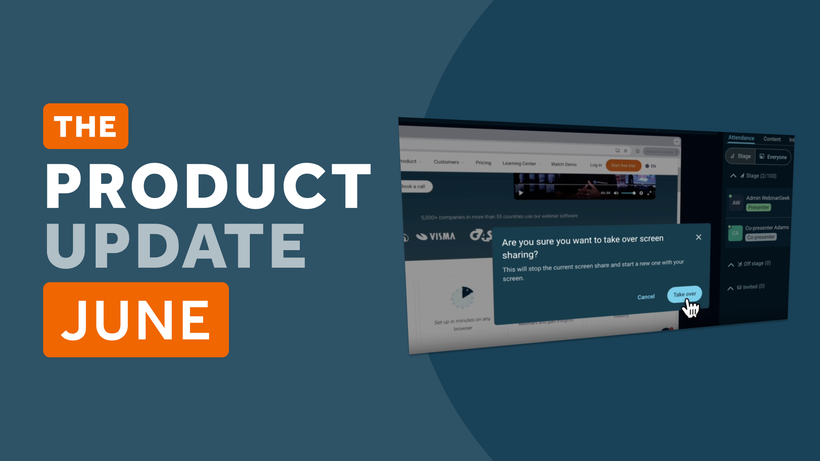
Product Update: Recurring webinar schedule, AI analysis, and more
This month is packed with improvements to help you communicate more effectively, collaborate more easily, and automate more smoothly.
Mises à jour du produit : résumés AI, nouveaux filtres d'e-mails, et plus encore
Découvrez-en plus sur les dernières mises à jour, y compris les résumés de webinaires générés par l'IA, des filtres email plus intelligents, une annulation de bruit et une barre latérale détachable.
Product update: AI-generated chapters
Track custom registration link visits, improve streaming, and explore AI-generated chapters for replays.
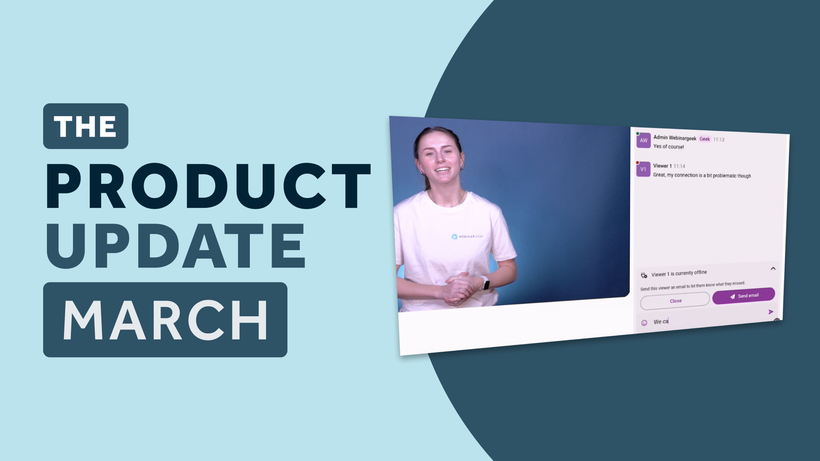
Product Update: e-mail follow-ups for offline viewers
Discover the latest WebinarGeek updates that make hosting webinars easier and more effective. From improved statistics and automated follow-ups to extended email options and API enhancements, these new features help you save time, engage your audience, and streamline your workflow.
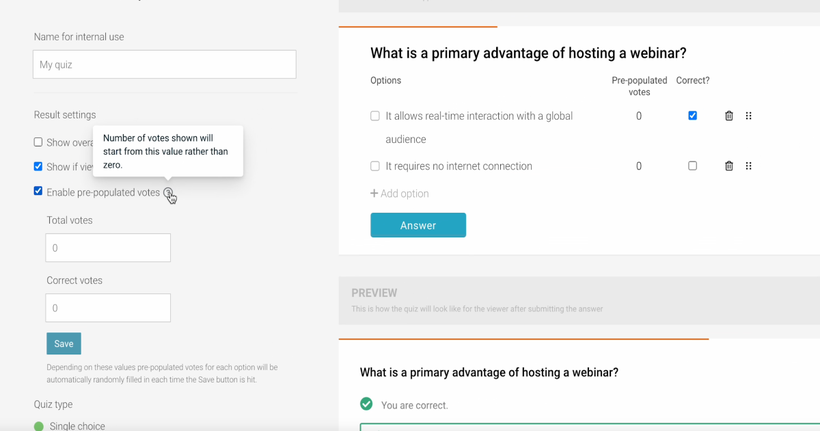
Product Update: pre-populated quiz results
You can now disable replays, add pre-populated quiz results and create webinars in Finnish.
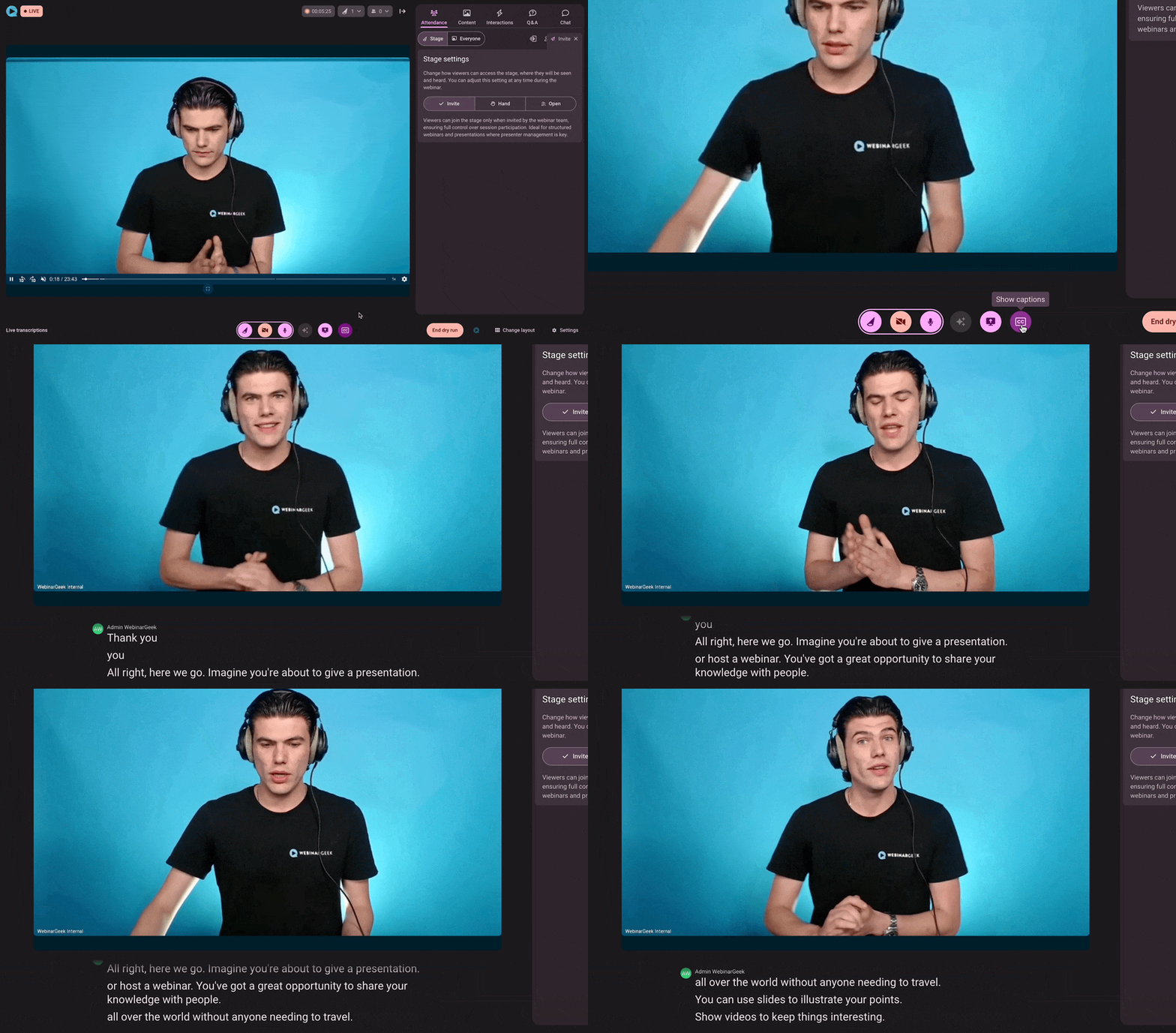
Product update: live captions for webinars
We’re thrilled to announce a new feature that’s set to revolutionize your webinars: live captions! Now, you can make your sessions more inclusive and engaging by enabling captions in 125 different languages.
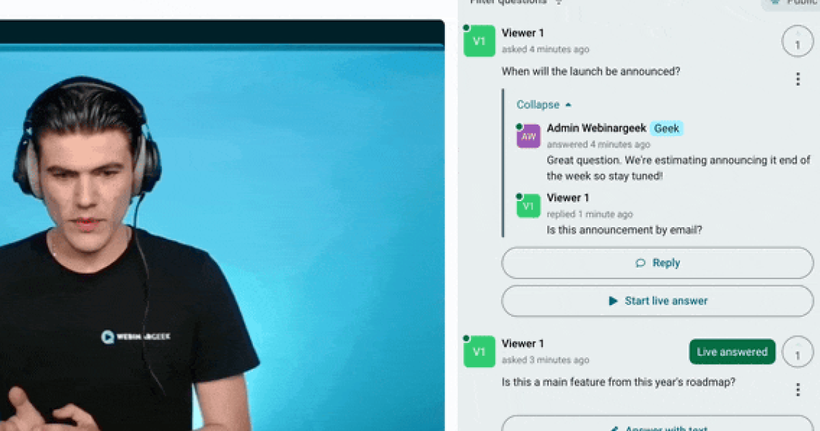
Product update: improvements on the Q&A feature
Get the most out of the Q&A feature, see what we improved on it, and other improvements.
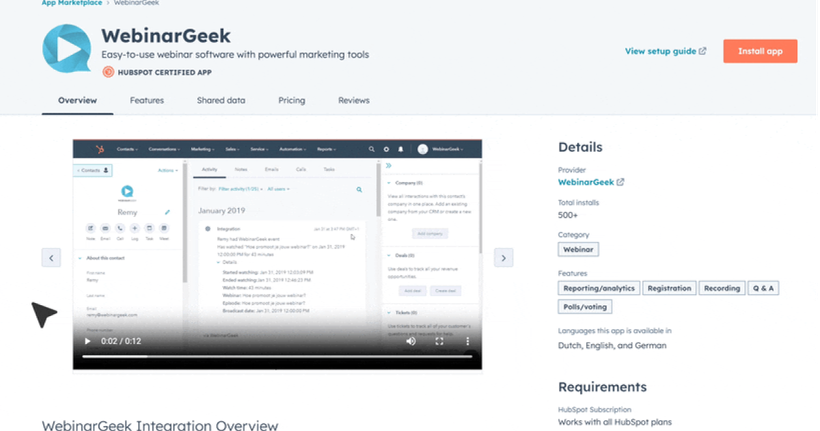
Product update: HubSpot certification and more
Check out what the HubSpot certification means and how we have improved the replay experience for viewers.
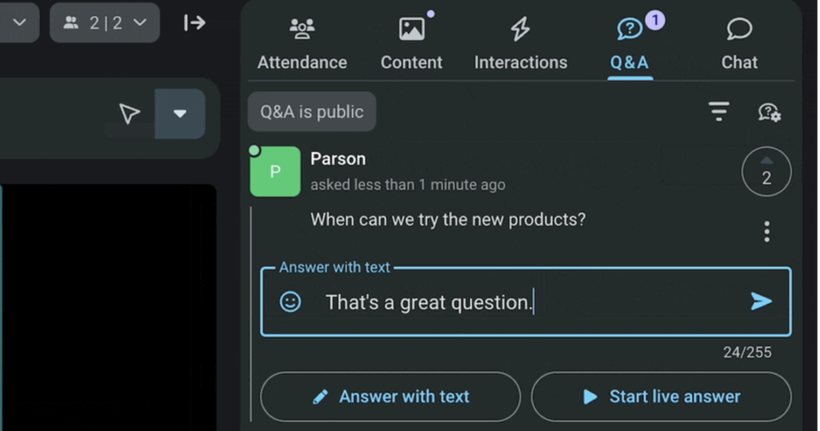
Product Update: Q&A and present from phone
A new Q&A tab is added to the streaming page and you can host webinars from your phone.
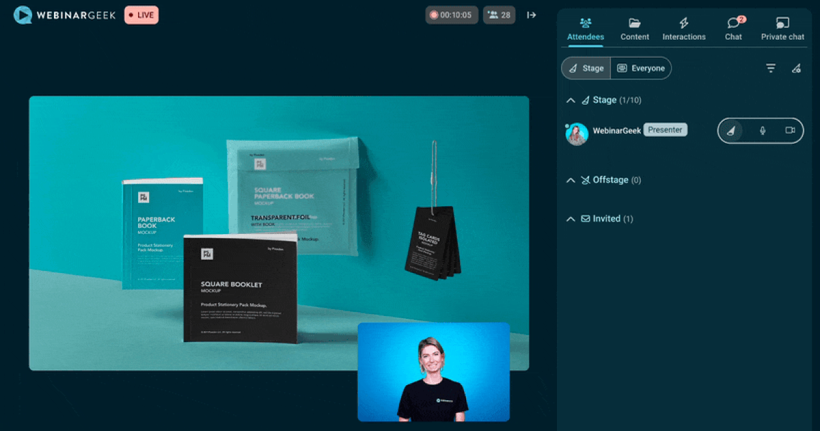
Product Update: more flexibility for webinar controls
Bring your presentation automatically on screen, hide the camera in 1 click, and API updates.
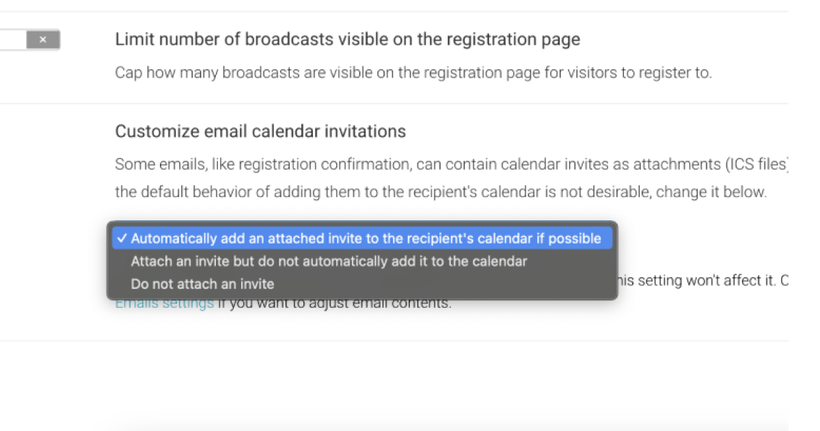
Product update: customize calendar invitations
Use a pointer in slides, customize email calendar invitations, optimize your emails with AI-generated images, and more.
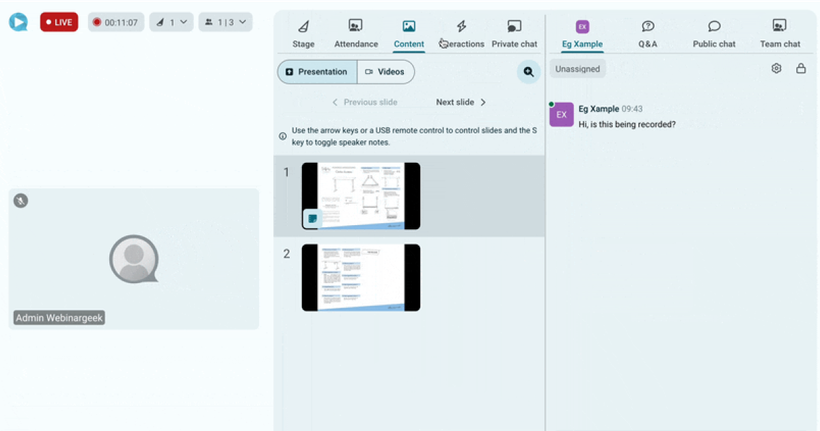
Product Update: expanded sidebar
Features to make webinar hosting more accessible and improvements to calendar invitations.
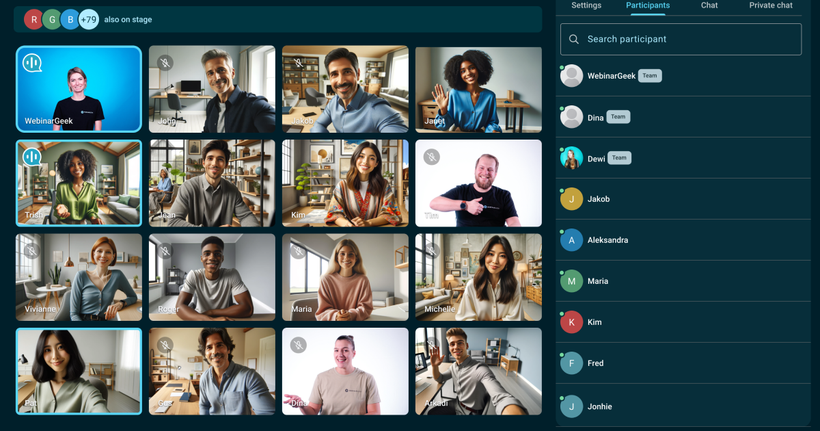
Product Update: interactive webinars and sessions
All about making your webinars interactive, organized, and efficient.
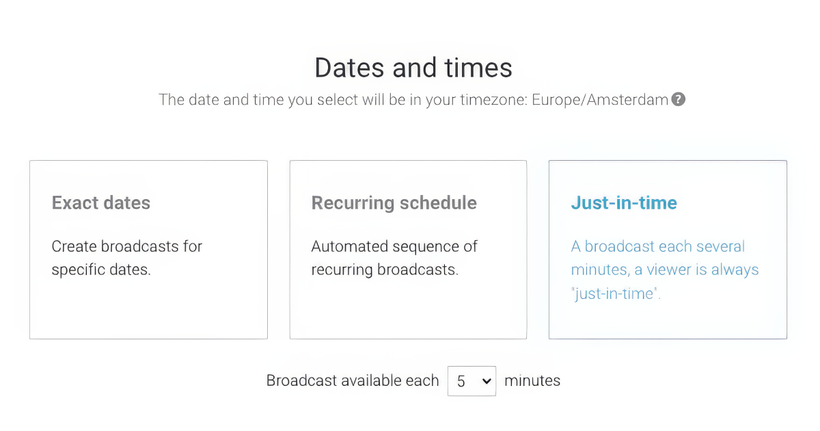
Product Update: just-in-time webinars
Just-in-time webinars, new HubSpot options, and a new webinar language.
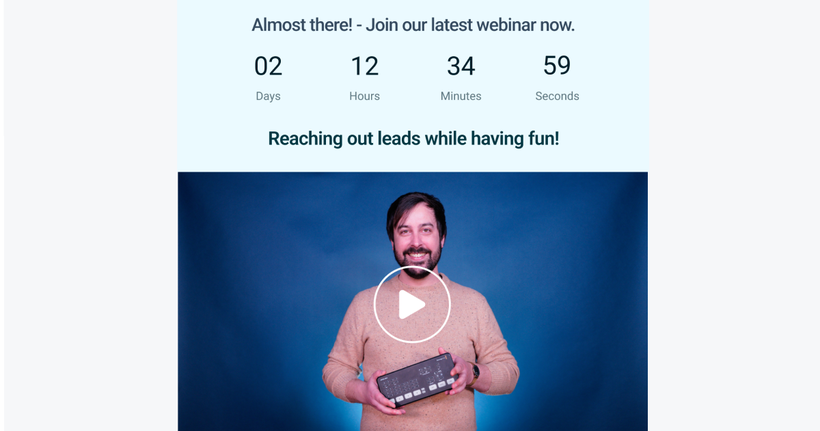
Product Update: video in email
More options for your emails, a new trigger for HubSpot, screen shares for viewers and more.
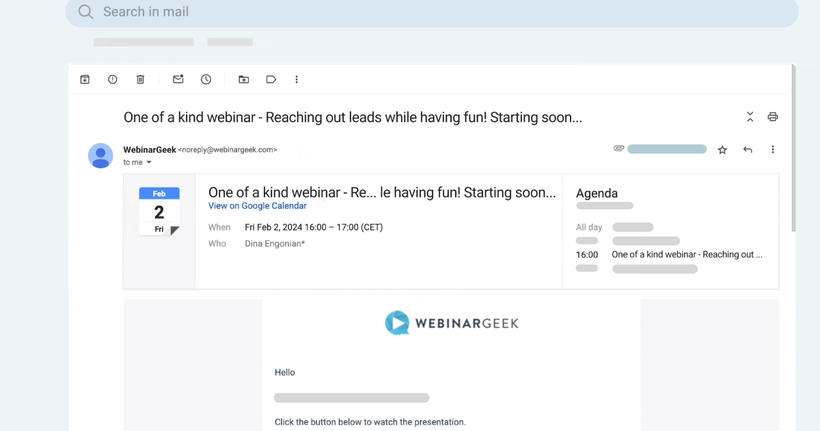
Product Update: viewer limit statistics
Get more insight into viewer statistics, send calendar invitations directly, and connect with webhooks.
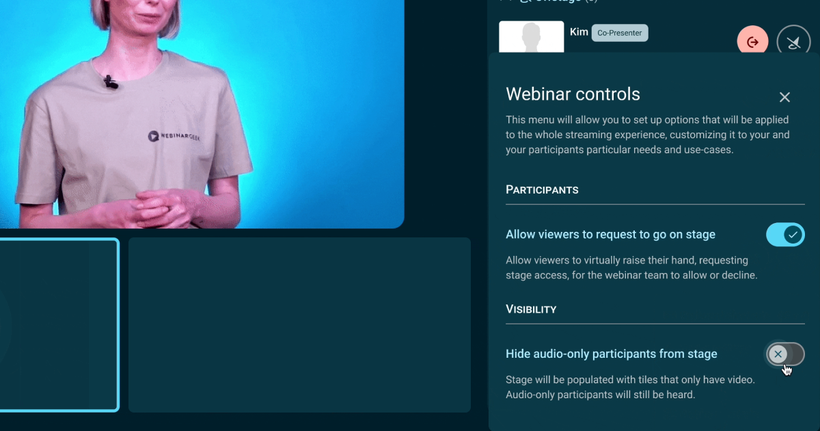
Product update: webhooks in beta
Hide audio-only viewers, update for Pipedrive and webhooks in beta.
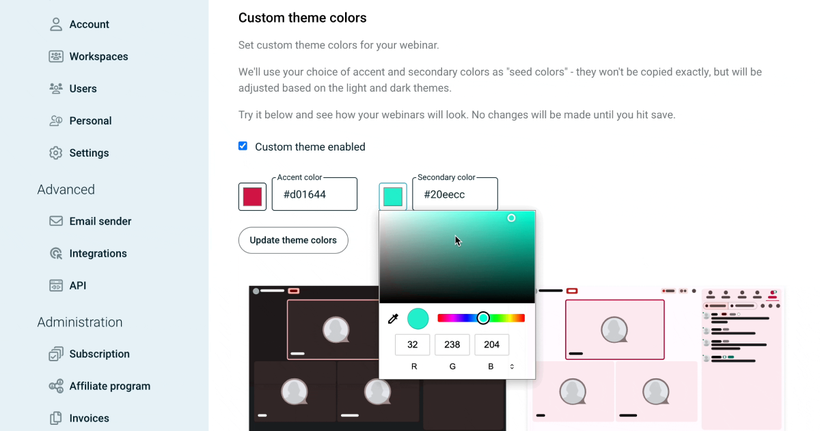
Product Update: the streaming app in your branding
Host webinars with more than 10 attendees, display interaction results to viewers, personalize the streaming app in your company colors, and explore a new update to Pipedrive.
Product Update: email statistics
Ask viewers to raise a hand, more insights with email statistics, a new chat feature and more!
Product update: invite an attendee to speak
We improved the attendee-on-stage feature to make sharing the spotlight with viewers easier than ever. Plus, there's a new functionality coming that many have been asking for!
Product update: invite a viewer on stage
Make your webinars even more interactive by inviting a viewer on stage! Plus check out new Zapier triggers, limit the number of webinars on the registration page, and sync more info in ActiveCampaign.
Product Update: upload your own virtual background
Use a new trigger, add more branding options and mass-anonymize data.
Product Update: New option for video layout
Respond to chat messages in public chat and more options for replay & on-demand playback.
Product update: Salesforce integration
Integrate with Salesforce, use virtual backgrounds, add a description to calendar invitations, and set custom icons.
Product update: Create your webinar dream team
Use internal titles for webinars, Salesforce integration is in beta, and coming soon...
Product update: Host management for co-presentation
Use emoticons in chat, upgrade your branding with more options for logos and more!
Product update: Improved on-demand experience and more
Set address as the default field for seamless integration and preset interaction duration.
Product update: Switch between a dark or light theme
Stream on-demand webinars in revamped streaming app, block contacts from registration, and export all data from registrations.
Product update: Improved streaming app for replays
Add webinars to your calendar with a single click, soon host webinars with +10 presenters, and more.
Product update: completely new streaming app
Host your webinar for the first time in a new live environment and more easily follow up with viewers who pass the assessment
Product update: Integrate directly with KlickTipp
Test the new streaming app and send emails after a successful assessment.
Product update: New languages for templates
Personalize email verification, assessment for each plan and more.
Product update: New API options!
Clearer display of data and time on your registration page, the new German interface, and more.
Product update: Duplicate evaluation forms!
Register for webinar series with Zapier, follow up on assessment results, and more.
Product update: HubSpot marketing events trigger
Set multiple payment methodes and currencies, publish your webinars with ease, and more.
Product update: The new German interface!
Subscribe to series with Hubspot, a channel for every target group, set a date for your on-demand webinars and more.
Product update: CSV-import for webinar series
Test the new email editor and more.
Product update: Email customization options
Use HLS streams for your on-demand and automated webinars, be the first to test the Stripe integration, and more.
Mise à jour du produit : Stripe pour les webinaires payants
Segmentez vos webinaires avec plusieurs canaux de webinaires et plus encore.
Product Update December 2021
Wondering which feature is the most valuable for you? Catch up in a few minutes and read this blog.
Product Update November 2021
The last product update of 2021 is here! We close the year with a bang.
Product Update September 2021
It's another new month and at WebinarGeek that means it's time for a new product update! Our team has been working hard again and some great options have been added. These are useful for everyone, so read on.
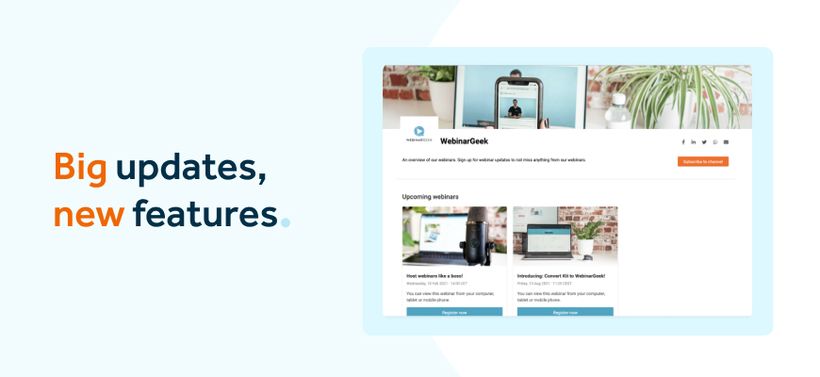
Product update August 2021
Directly uploading your video injections or giving your channel a makeover. It's now possible!
Product update July 2021
Export data with a few clicks, find YouTube videos faster and download webinar replays in half the time.

Product update June 2021
Simulated chat for on-demand webinars. Share watch link only by email and new Zapier triggers!
Product update May 2021
No more hassle with Vimeo or YouTube links in your webinars. Full control over your videos with your own video page.
Product update April 2021
New month, new updates: Google tag manager integration, payment triggers and more presenters in your webinars!
Product update January 2021
The first product update of 2021 is live! We kick off this month with new features.

Product update december 2020
More about chat simulation, how to switch devices, and the search filters in the latest product update.
Product update november 2020
New features have been developed again this month in WebinarGeek.
Product update September 2020
New features have been added to WebinarGeek this month!
Product update August 2020
We have received and developed many new feature requests in the last months.

Product Update July 2020
Quizzes, departments, and more in our new Product update.

Product update April 2020
Enhancements in the chat, new Zapier triggers and more in our new Product update.
Product update March 2020
Taking assessments, adding chapters and export interactions. Now it's all possible!

Product Update February 2020
Cancel your webinars and create discount codes.
Product update: January 2020
Our first product update of 2020 is live! Curious about the new features and possibilities?

Product update: November 2019
Change the font and easily copy existing emails!
Product update: Timezones and templates
Different timezones and new features for your webinar.

Product update: Webinar channels
With WebinarGeek Channels you create an overview of all your on-demand webinars.

Product Update: Summer 2019
We present an entire list with new possibilities in our webinar software.
Product update: July 2019
Introducing affiliate program and more possibilities to choose a date and time to send emails.
Product update: New API available
The new version of API is now available, integrating got even easier!
Product update: January 2019
Yes! A new year, with new updates! Read more here!

Product update: Adding triggers to integrations!
Automate your workflow with adding triggers to integrations.
Product update: October 2018
Personalized webinar room, custom registration links and paid on-demand webinars.
Product update: Co-presenter 2.0!
The co-presenter got a huge update that creates a smoother webinar experience!
Product update: July 2018
Increase your conversion with the new webinar tools!

From autoplay to click-to-play or to unmute
From autoplay to click-to-play or to unmute: changes when playing videos automatically
Product update: The new chat module is live!
Chatting will be even faster and easier because of performance improvements.

Product update: February 2018
WebinarGeek paves the way to improve the platform with 3 new major changes.

Product update: LinkedIn insight tag
New: Easy integration with the LinkedIn insight tag!

Product update: January 2018
New year, new month and new updates for our webinar software. Find out more!

Product update: December 2017
In December we worked hard on full-screen webinars, language selection, improved recordings and higher quality webinars.
Product update: November 2017
Presenting side-by-side and importing contacts, the new features of November!
Product update: Presenting side by side
When you enjoy making active eye contact during your webinar, this feature will help you out.
Product update: Importing contacts
Importing your contacts to WebinarGeek? Find out here how!
Product update: Automated webinars
Quickly organize a bunch of pre-recorded webinars.
From Google Hangouts To WebRTC
We transferred from Google Hangouts to WebRTC, want to see how?!

Product update: The moderator
Easily add a moderator to your webinar!
Product update: Facebook pixel integration
We have integrated the Facebook Pixel in WebinarGeek.
Product update: Co-presenter
Work with a guest speaker now with our new feature release!
Product update: AWeber Integration
Connect your mailing list in AWeber to WebinarGeek.

Product update: ActiveCampaign Integration
Connect your ActiveCampaign account to WebinarGeek with our newest update.