
WebinarGeek Academy
Améliorez vos compétences pour créer plus d'impact avec les webinaires
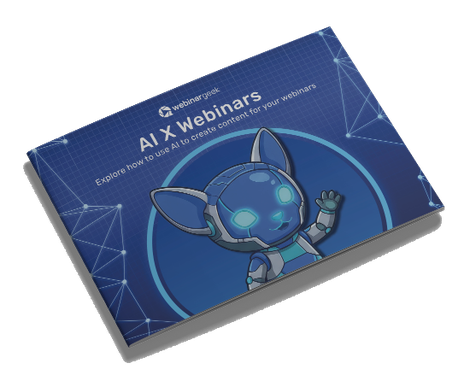
AI x Webinars
Explore how to use AI to create content for your webinars.
Academy: HubSpot + Webinars
A guide for teams who want a smoother webinar workflow inside HubSpot. It skips the theory and shows you how to keep data in sync, segment by attendee behavior, and turn follow-up into something you can repeat every time.
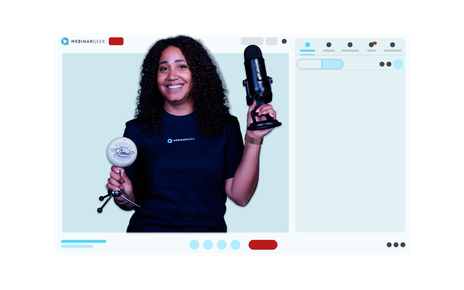
Webinar Playbook for Coaches
A practical guide for coaches who want to grow without limitations on your way. This playbook skips the generic pep talks and gets straight to the good stuff: how real coaches are using webinars to teach more people, save hours, and stay personal in the process.
How To Create Webinars That Sell
Want to create webinars that sell? In this video, we’ll show you how to craft engaging and high-converting webinars using WebinarGeek, whether they’re free or paid. Ready to get started?
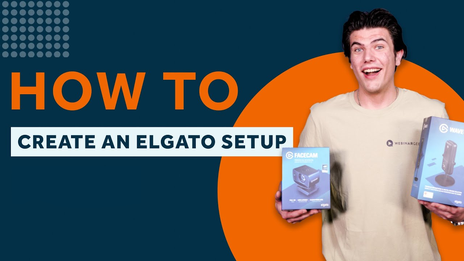
Master Your Elgato Setup - Complete 3-Part Video Guide
Learn how to build the ultimate Elgato setup in this 3-part video series—unboxing, software setup, and a full real-time walkthrough to boost your streaming game.
How To Promote Your Webinar On Social Media
In this video, we will show you our top tips and tricks for promoting your webinar on Social Media. From which Social Media platform is the best for you to how you can use a call to action!
How to stream webinars with Streamlabs Desktop
Learn how to set up and stream webinars like a pro using Streamlabs Desktop! In this first installment, we'll walk you through the foundational steps to master the art of webinar streaming.
5 Best Ways To Find New Webinar Topics
Struggling to find fresh and engaging webinar topics? Look no further! In this video, we dive into the top 5 strategies to spark your creativity and uncover compelling subjects for your next webinar.
How to moderate a webinar
Dive into the world of webinar moderation with our quick guide! Discover the crucial role of a Chat Moderator and learn how to enhance your webinar experience.
3 Tried and Tested Webinar Strategies
In this video, we delve into the world of webinars with WebinarGeek, unveiling three proven strategies that guarantee success. Boost your success today!
Create your first Webinar: A beginner's guide
Ready to host your first webinar? Join us in the video serie 'A beginner's guide' where we'll cover everything from defining objectives to choosing the right topic. Learn how to use WebinarGeek's tools to streamline the process.
5 Camera Tips for your Webinar
Discover 5 expert camera tips to improve webinar video quality. Boost your on-screen presence with better lighting, angles, and framing for more engaging online presentations.
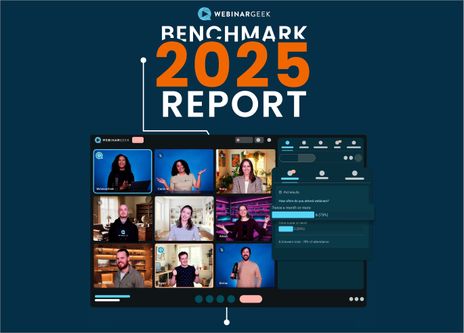
Benchmark 2025 report
Hosting a webinar is only the beginning. To really make it successful, it's important to get the most out of it. This benchmark report shares useful numbers and tips about webinar performance. Learn how to get more people to sign up, how to keep them watching, and how to write better reminder emails to boost engagement.
Why you need a good webinar hosting space
Let's dive into the importance of choosing the right webinar hosting space for successful online presentations. Learn how the right setup can improve your webinars, engage your audience, and ensure a smooth experience from start to finish.
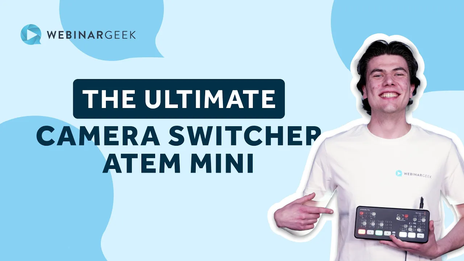
The Ultimate Camera Switcher: Atem Mini
Explore how the Atem Mini, an versatile camera switcher, can revolutionize your webinars with its easy-to-use interface, multiple input options, and professional-grade features. Perfect for anyone looking to enhance their live streaming setup.
5 Awesome Studio Management Tips
Want to level up your studio management skills? In this video, we share 5 awesome tips to streamline your workflow, boost productivity, and create a more efficient studio environment.
5 Tips For Your Pre Recorded Webinars
Make your pre-recorded webinars more engaging and professional by optimizing your presentation, preparing for different formats, and ensuring a distraction-free experience.
How To Create Captions And Subtitles For Your Pre-recorded Webinars
Enhance accessibility, boost engagement, and make your content more inclusive with these quick tips. Learn to easily add captions and subtitles to your pre-recorded webinars!
Building a Successful Webinar Channel for Recurring Content
Setup your channel, manage recurring webinars, and promote your content to grow your audience.
How To Use Webinars For Employee Training And Onboarding
Learn how to use webinars for employee training and onboarding!
How to host pre-recorded webinars
Learn how to create automated, on-demand, and hybrid webinars with WebinarGeek!
Email template trends by Unlayer
Attract more subscribers with the email editor and page builder, powered by AI.

Manage data with Salesforce by MarTech Do
The Salesforce ecosystem enables clients to use the full potential of CRM systems for marketing and sales excellence.
10 tactics for more registrations by Onomondo
In this webinar, we dive into the important role of webinars in sharing valuable insights.

Increase sales effectiveness by Revenuecoach
Discover the LinkedIn growth secrets of Franck Fielemon from Revenuecoach.com in a Q&A session.
Building a full content calendar by Intercom
Learn from Intercom's transformation from having no webinar program to a complete strategy and content calendar.
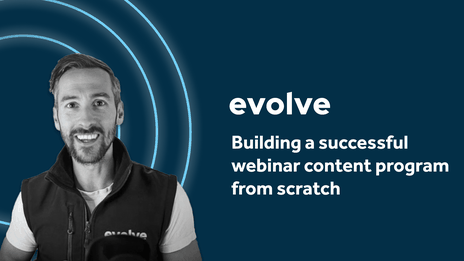
The power of sales automation by Evolve
Pipedrive streamlines customer relationships, drives sales, and eliminates manual data entry.
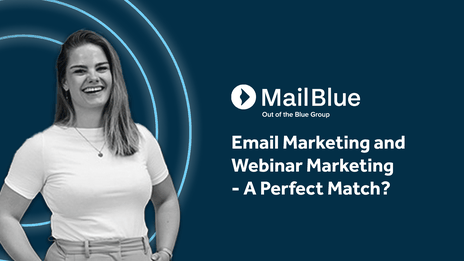
Email and webinar marketing by MailBlue
MailBlue, official ActiveCampaign reseller, explores the connection between webinars and email marketing.
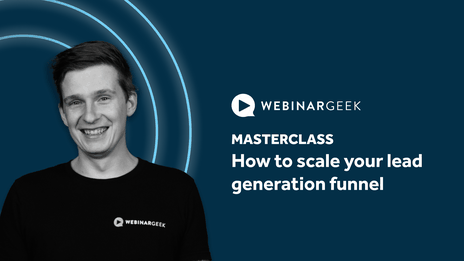
Scale your lead generation funnel by WebinarGeek
WebinarGeek shares their expertise on using the power of webinars for lead generation.
Create a webinar for communications
Engage, challenge, and measure your viewers with these features
Time saving features
Discover all the automations and shortcuts you should be using
Co-presenting a webinar from A to Z
Add team members and master co-presenting with our step-by-step guide.
Moderating a webinar from A to Z
Add moderators and master the live chat with our step-by-step guide.
Create a sales webinar
Capture, engage, and convert your viewers with these features
Create a webinar for online training
Engage, challenge, and assess your viewers with these features
Get ready to go live
With our checklist for the final preparations
Your getting started guide
Start hosting webinars today with the help of our step-by-step checklists.
Create an on-demand Webinar
Discover the power of convenience with our step-by-step checklist.
Create an Automated Webinar
Discover the power of automated webinars with our step-by-step checklist!
Create a Live Webinar
Take your live webinars to the next level with our step-by-step checklist!
Host epic webinars with RTMP
Upgrade your webinar experience! Learn to use OBS, the Atem Mini Pro, and RTMP for top-notch quality.
Optimize your webcam with OBS part 2
Elevate your webcam image quality with OBS! Learn to tweak settings like white balance, gamma, and more for a professional look.
Optimize your webcam with OBS - part 1
Enhance your webinar's visual appeal! Learn to optimize your webcam image using OBS. Brightness, contrast, saturation, sharpness—master these settings for a captivating presentation.
Webinars as a side hustle
Ready for a rewarding side hustle? Discover how to profit from on-demand webinars. Learn to identify your expertise, create compelling content, promote effectively, and activate payments. Your success awaits!
Improve your audio using OBS - part 2
Enhance your webinar audio with OBS filters! In Part 2, explore advanced effects like compressor, expander, limiter, EQ, and more for exceptional sound quality. Tune in and level up your webinars!
Improve your audio using OBS - part 1
Elevate your webinar audio quality with OBS! Part 1 of our guide shows how to optimize your microphone, reduce background noise, and apply effective filters.
How to stream webinars with vMix part 2
Continue your Phoenix journey! In part 2 of our series, we dive into adding videos, display captures, and mastering transitions. Join us to elevate your streaming game with vMix.
How to stream webinars with vMix part 3
Complete your vMix journey in the final part of our series! Explore titles, overlays, configure vMix with WebinarGeek, and discover how to record your streams. Elevate your streaming game and unleash your creativity with vMix.
How to stream webinars with vMix - part 1
Discover Phoenix, an alternative to OBS for live streaming! Dive into this three-part series exploring vMix, a powerful Windows-based software. Learn how to add cameras, microphones, and enhance your stream setup. Join us on this journey of creative streaming possibilities.
Get leads with recorded webinars
Discover ingenious ways to maximize your webinar recording! Elevate engagement, capture leads, and relive the live charm. Let's dive in! 🚀
Use AI to create your webinars
Discover the future of webinars! With AI you can create a webinar in minutes—from outline to presentation, recording, and promotion. Say goodbye to hours of preparation and hello to seamless, efficient webinars.
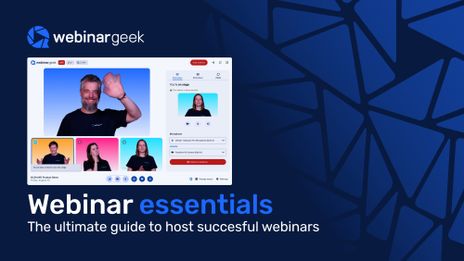
Webinar Essentials Ebook
Webinars can do a lot more than just put a presenter on screen. In this guide, you’ll discover how businesses use webinars to attract leads, strengthen their marketing funnel, train teams, and create more interactive audience experiences.
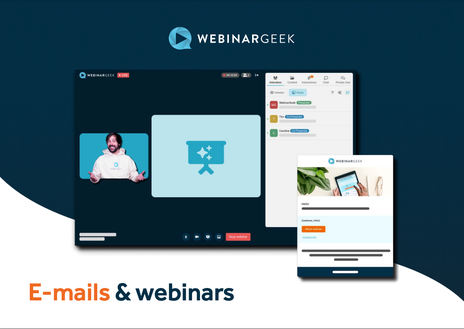
Emails & Webinars
E-mail marketing and webinar marketing go hand in hand with each other. Download the guide to learn how to increase the success of your webinars using email marketing.

11 Webinar Presentation Templates
Give your webinar a fresh look with ready-to-use presentation templates for marketing, training, pitch decks, and product demos.
Restream - Stream to multiple channels
Discover how Restream and WebinarGeek work together, so that you stream your webinar to more than 30 platforms.
RTMP - Host webinars in TV quality
Discover the possibilities of RTMP and WebinarGeek and host your webinars like a boss!
Zapier - Integrate with 6,000+ apps
Automate workflows to host webinars more effectively and efficiently.
All you need to know about webinar users
Collaborate with your teammates and make sure everyone has the correct role in your webinar!
Discover all types of webinars
A live webinar is the most known type, but there are many more. Discover all benefits of the different webinar types.
Dry runs - Essential for successful webinars
Preparation is key for every marketer. Well begun is half done.
Automate workflows with HubSpot
The HubSpot integration is one of a kind, because it works both ways. This is how to automate your marketing.
Webinar Questionnaire
Get ready to step into the spotlight! Download this checklist and make sure you've got everything covered before you hit that live button.
7-Day Webinar Challenge - 'Step into the spotlight'

E-mails
Share your message with different types of webinar emails. Turn your viewers into customers with automated follow-up emails!

Statistics
See in a glance how your webinars are performing.
Live environment
Experience our user-friendly live environment. It is now time to shine and take that online stage!

Registration process
Easily customize the registration page in the real-time editor.
Create a live webinar
Create a webinar easily and quickly with the webinar wizard from WebinarGeek. Organize a webinar with ease!
Invite and promote
Publish your webinar and share your webinar with the world and collect interesting data about the participants!

Interactions
Gather relevant information from viewers through the different interactions.

Masterclass: Make Data Work
Do you want to get more out of your webinar statistics? Watch the WebinarGeek Masterclass and become an expert.
Masterclass: Best Automated Webinar Funnel
Learn how to build the best automated webinar funnel. Enroll in the WebinarGeek Masterclass and become an expert now!
Masterclass: Repurposing content
Get familiar with content repurposing. Watch the WebinarGeek Masterclass and become an expert now .

Improve Your Webinar Game
Improve your webinar skills, generate more leads and increase your sales.
Getting started checklist
This checklist contains all the necessary information about how to set up a webinar. Fill in your email address and receive the 'Getting Started' checklist.

Technical Checklist
Hosting a webinar for the first time can be an exciting experience. Fill in your email address and receive this checklist to see if you are ready!

How to host a webinar together
Work together with your own colleagues or with a partner
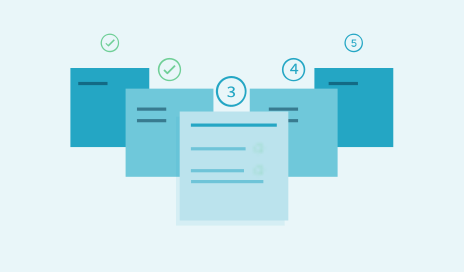
Registration process from A to Z
Create a successful webinar by setting up the registration process in the right way
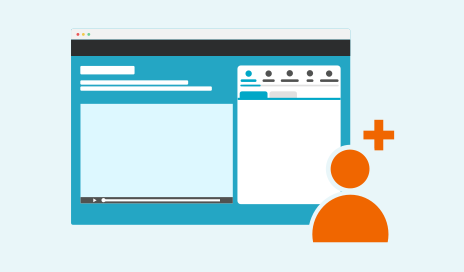
Generate leads with on-demand webinars
Learn in this course how to set up on-demand webinars to generate more leads
Getting started with webinars
Better your skills to create more impact with webinars
Commencez avec les webinaires dès aujourd'hui
14 jours gratuits. Toutes les fonctionnalités Premium. Sans engagement.