
Promote your webinar
Learning goal: Knowledge about marketing possibilities
One of the most important topics is: How do I generate more traffic to my webinar? Although this topic will be extended to an entire course in the future, we will discuss the basic principles here.
Free strategies
Your website
One of the first things we always do is to place a banner on our own website. You probably already put a lot of effort into attracting visitors, so make sure those people see that you are going to organize a webinar. This is a quick win.
Mailing-list
A popular and obvious method is of course to use your own email list.
If you have already segmented your mailing list, you can think about which segment you want to access. Sending a mailing is relatively easy and typically has a good response. The more targeted mailing the better it meets the needs of the target group, the higher your registration conversion will be.
You can decide which contacts are relevant to your webinar and to which mailing list you want to share the webinar with. You can send a special mailing for the webinar or a smaller notification in your weekly or monthly newsletter.
It is a great and easy way to send existing leads to your own webinar.
Partners
A good strategy in generating more leads is to partner with other companies with an overlapping audience. The challenge is to find a suitable partner and create a win-win situation that benefits both parties.
Whether it is about co-presenting a webinar or highlighting a specific product, it is a great way to reach more potential customers by working together with others in your field.
Social media
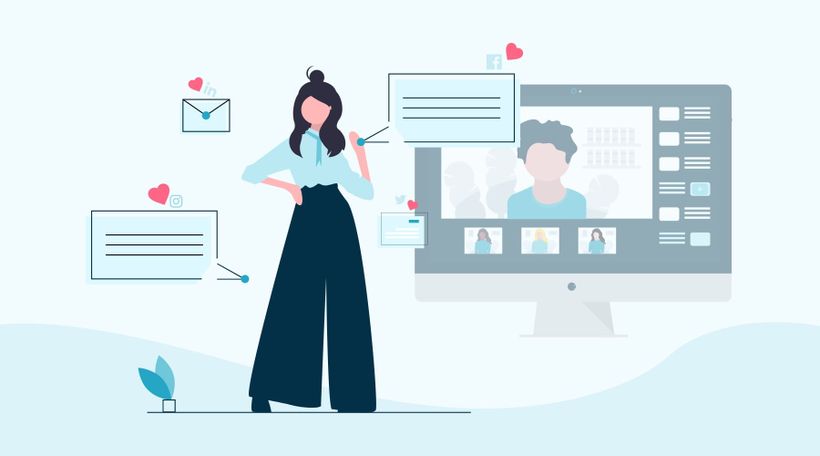
Using social media is a fantastic way to generate more traffic to your registration page. In this way, you not only promote your webinar with existing followers but also with followers of your followers.
We also have integrations with social media platforms such as Facebook. Viewers can easily register via Facebook and we even have an integration with Facebook pixel. With the integration of Facebook pixel, you can easily track, optimize and comment on conversions. Promoting your webinars on Facebook has never been easier.
Paid marketing strategies
Paid advertisements are an important tool to generate more traffic. We will briefly discuss this in advance.
Facebook/Instagram paid ads
A big advantage of Facebook ads is the possibility to create a target group very precisely. Facebook advertising is a platform where you can advertise in a targeted way. You can advertise by age, interests, behavior, and location.
If you have an e-mail list of existing customers, you can upload it to Facebook ads to target this list or create a similar list with the same similar characteristics as your e-mail list. With Facebook, it is, therefore, possible to advertise in a targeted way.
Google AdWords
With Google AdWords, you can advertise in a targeted way by using keywords and paying per click.
Moreover, with Google AdWords, you can even do some remarketing. When a visitor has been seen on your website, you can specifically re-advertise by targeting the visitor again with, for example, display campaigns.
A good Facebook or AdWords campaign only succeeds if you know exactly what you are doing. In our marketing course, we will elaborate on this and explain how to set up a "successful" campaign.
What did I learn?
What marketing options there are
Difference between paid and unpaid marketing strategies
Próximos cursos
How to stream webinars with vMix - part 1
Discover Phoenix, an alternative to OBS for live streaming! Dive into this three-part series exploring vMix, a powerful Windows-based software. Learn how to add cameras, microphones, and enhance your stream setup. Join us on this journey of creative streaming possibilities.

3 Tried and Tested Webinar Strategies
In this video, we delve into the world of webinars with WebinarGeek, unveiling three proven strategies that guarantee success. Boost your success today!

Optimize your webcam with OBS part 2
Elevate your webcam image quality with OBS! Learn to tweak settings like white balance, gamma, and more for a professional look.

5 Camera Tips for your Webinar
Discover 5 expert camera tips to improve webinar video quality. Boost your on-screen presence with better lighting, angles, and framing for more engaging online presentations.

Co-presenting a webinar from A to Z
Add team members and master co-presenting with our step-by-step guide.
Create an on-demand Webinar
Discover the power of convenience with our step-by-step checklist.

Email and webinar marketing by MailBlue
MailBlue, official ActiveCampaign reseller, explores the connection between webinars and email marketing.

How to stream webinars with Streamlabs Desktop
Learn how to set up and stream webinars like a pro using Streamlabs Desktop! In this first installment, we'll walk you through the foundational steps to master the art of webinar streaming.
Create a webinar for communications
Engage, challenge, and measure your viewers with these features

How To Promote Your Webinar On Social Media
In this video, we will show you our top tips and tricks for promoting your webinar on Social Media. From which Social Media platform is the best for you to how you can use a call to action!