
How to use AI to create your webinars

Pam
26 janvier 2024 - 2 min

Speed up your webinar process with AI! In this video, we share a quick and efficient way to create webinars using AI.
By generating an outline with OpenAI, you can cut down content creation time from a day to seconds. Use Canva to easily transform the outline into presentation slides.
In WebinarGeek, set up an on-demand webinar with a few clicks and upload the slides. And complete the process by using AI to create promotional material, even adding hashtags.
The entire journey, from idea to webinar promotion, takes less than 10 minutes.
Benefit from the speed and simplicity of this AI-driven approach and try it out yourself.
Articles connexes

How to Use AI in Your Webinars: A Practical Guide
AI can support every stage of the webinar process, from writing your script to generating transcripts and personalizing your follow-up. The key is using it where it saves the most time so you can put your energy into what matters most: delivering a webinar your audience will remember.
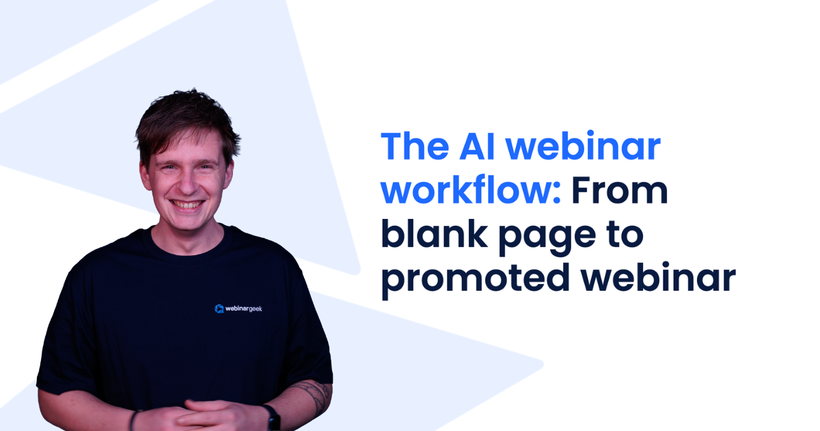
The AI Webinar Workflow: From Blank Page to Promoted Webinar
See the exact AI workflow behind building a WebinarGeek webinar, from outline and slides to live hosting, automatic follow-up, and promotion, step by step.

Best AI Webinar Software in 2026: 7 AI-Powered Platforms Compared
Looking for the best AI webinar software? Compare the top AI-powered webinar platforms of 2026, including WebinarGeek, Zoom Webinars, ON24, Demio, and more.