
One webinar, infinite reach
Launch from one place and land in front of audiences across multiple platforms.
Restream to the channels your audience already uses


Reach more people, without extra work
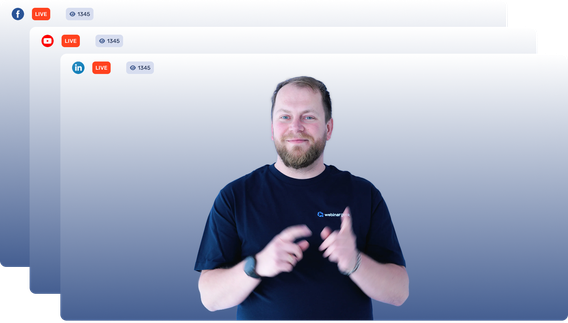
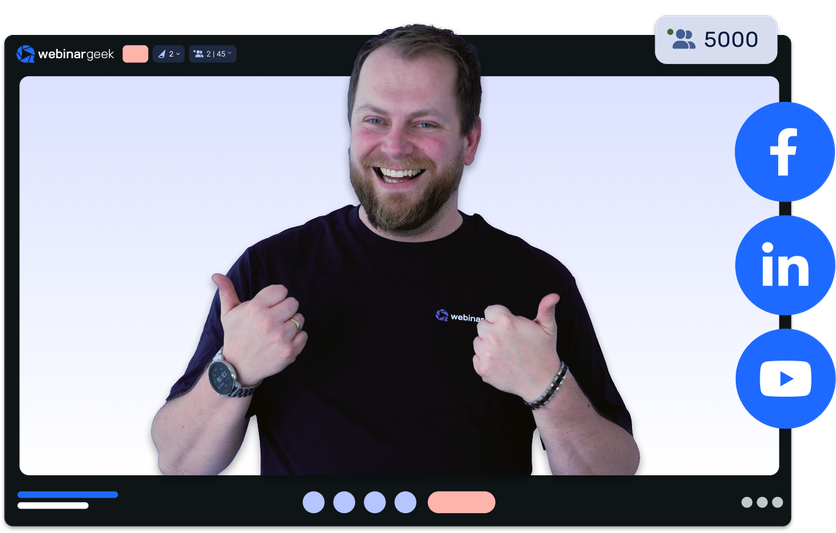
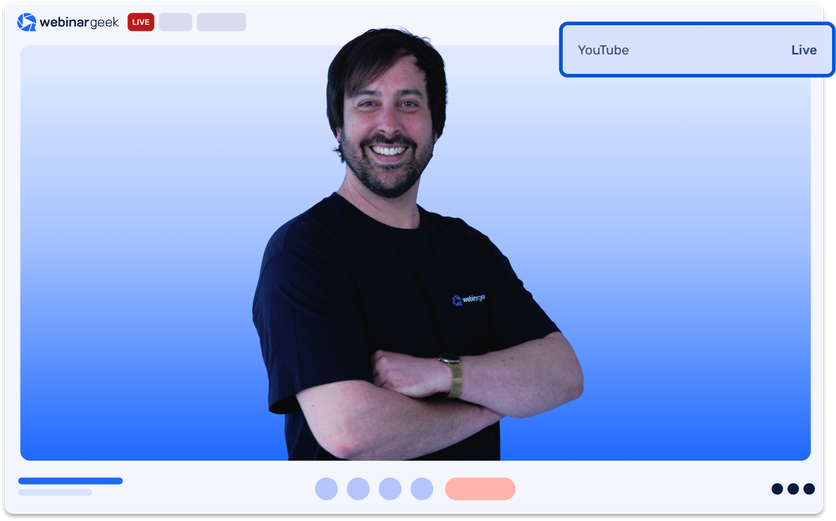
Bring your live webinar directly to the platforms where your audience already spends time. Present once from WebinarGeek and restream to up to two external destinations simultaneously.
Your slides, speakers, and screen shares are included in every external stream. Restreams start and stop automatically, while interactions, statistics, and follow-ups stay in WebinarGeek.
Choose where your webinar lands
Connect the channels your audience already uses and stream to up to two destinations at once. No extra cost per destination.

YouTube live
Bring your webinar to the world’s largest video platform.

LinkedIn Live
Share your expertise with your professional network and company followers.

Facebook Live
Broadcast to the pages and communities where your audience is already active.
Select where to stream
Open your webinar and go to Restream destinations to pick where your webinar will be broadcasted.
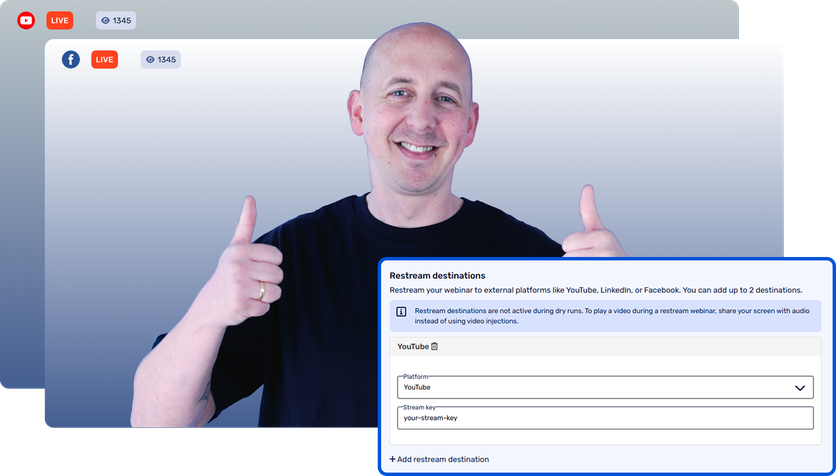
Select where to stream
Open your webinar and go to Restream destinations to pick where your webinar will be broadcasted.
See restreaming in action
Watch how to connect your channels and broadcast one WebinarGeek webinar across multiple platforms.
Trusted by webinar teams everywhere
FAQ
Still curious? Here are the most common questions about restreaming.
Which platforms can I restream to?
WebinarGeek supports YouTube, LinkedIn, Facebook, and any other platform that accepts an RTMP stream.
How many destinations can I use?
You can restream a webinar to up to two external destinations simultaneously.
What appears in the external stream?
The restream includes presenter and on-stage participant video and audio, presentation slides, screen sharing, and your selected webinar layout.
Do external viewers get the full WebinarGeek experience?
No. Chat, Q&A, polls, quizzes, calls to action, infoboxes, sales pages, evaluation forms, and video injections are not included on external platforms. Invite viewers to attend through WebinarGeek when registration data and interaction are important.
Do I need extra software like OBS?
No. Add the platform’s stream key, and its RTMP URL when required, directly in WebinarGeek. The stream then starts and stops automatically with your webinar.
Which subscription plans include restreaming?
Restreaming is available with WebinarGeek Premium plans and above.
Ready for launch?
Restream your next live webinar to the platforms your audience already uses. Available with Premium plans and above.